The ability to present a badge on the app icon is a property of the home screen manager or “launcher” of your device. We support app badge for the native launchers of many devices, as well as some common 3rd-party launchers.
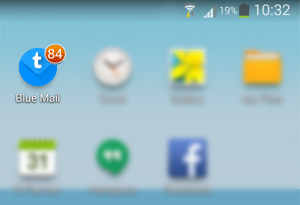
To select which account’s unread count to present on your main app icon: set it up with More (o o o) | Global Settings | Unread Count | App Badge Number and select your desired account.
To enable unread count badge for devices whose native manufacturer launcher are not yet supported by TypeApp, you may:
- Install a launcher that supports an unread count, such as the most common ones.
- If you have multiple launchers installed, please switch to the native one provided with your phone.
- TypeApp allows you to see the number of unread emails you have through the 1×1 widget and also allows you to configure which email account you want to look at (you can configure multiple 1×1 widgets). Pressing the widget on your home screen will get you directly to the inbox of that account (or unified inbox). You can also add a scrollable widget which has an unread badge at the top line.
To reset the unread count for the badge on the app icon, tap More (o o o) | Global Settings | Unread Count | Reset Unread Number | OK.