VIP Notifications enable you to give a specific contact such as your family, friends, or co-workers different notification settings so they are easier to distinguish.
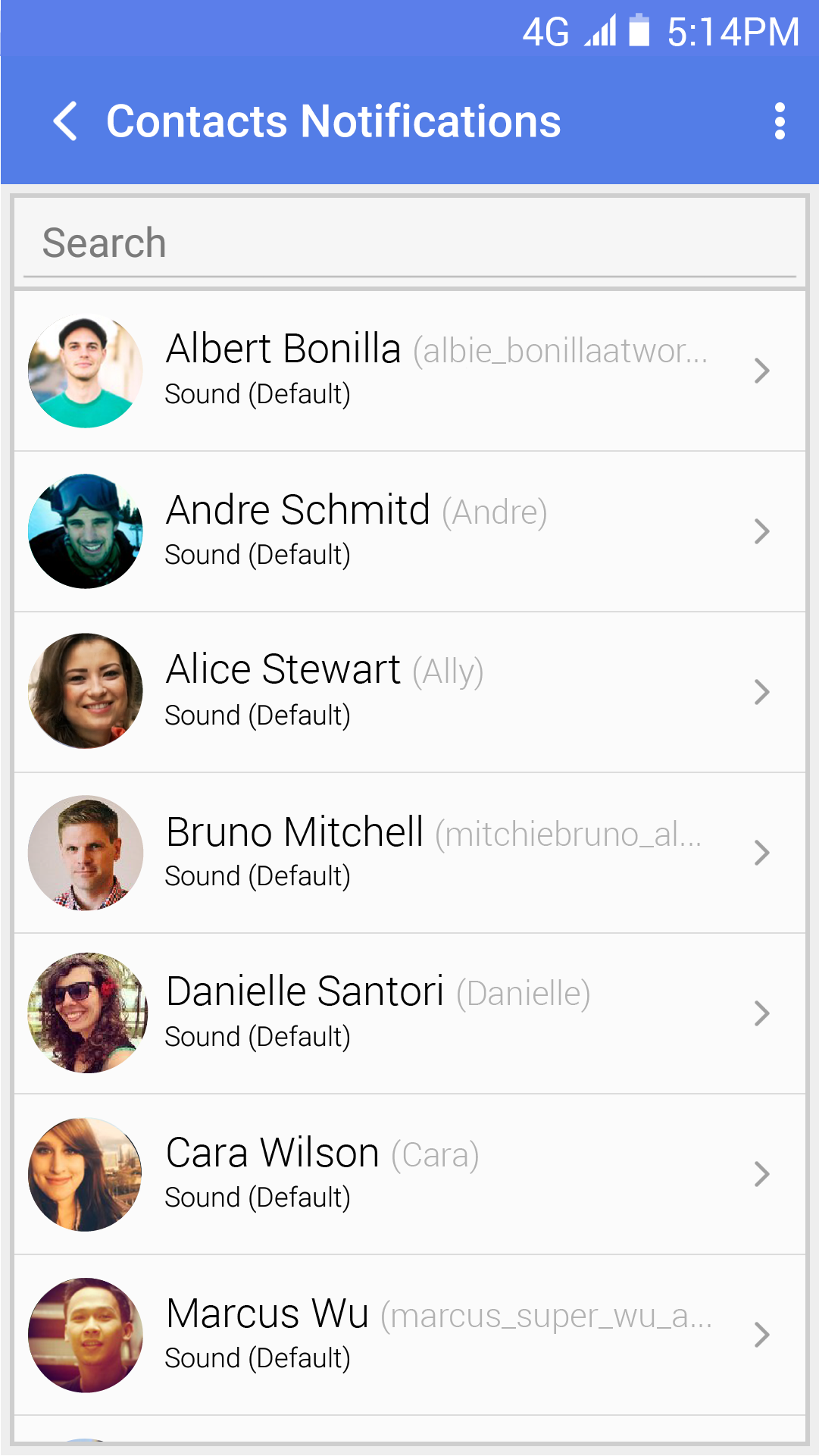
To change your VIP Notification Settings, tap More (o o o) | Notifications | VIP Notifications | either Specific Services for contacts such as eBay, Twitter, and Amazon, or People.
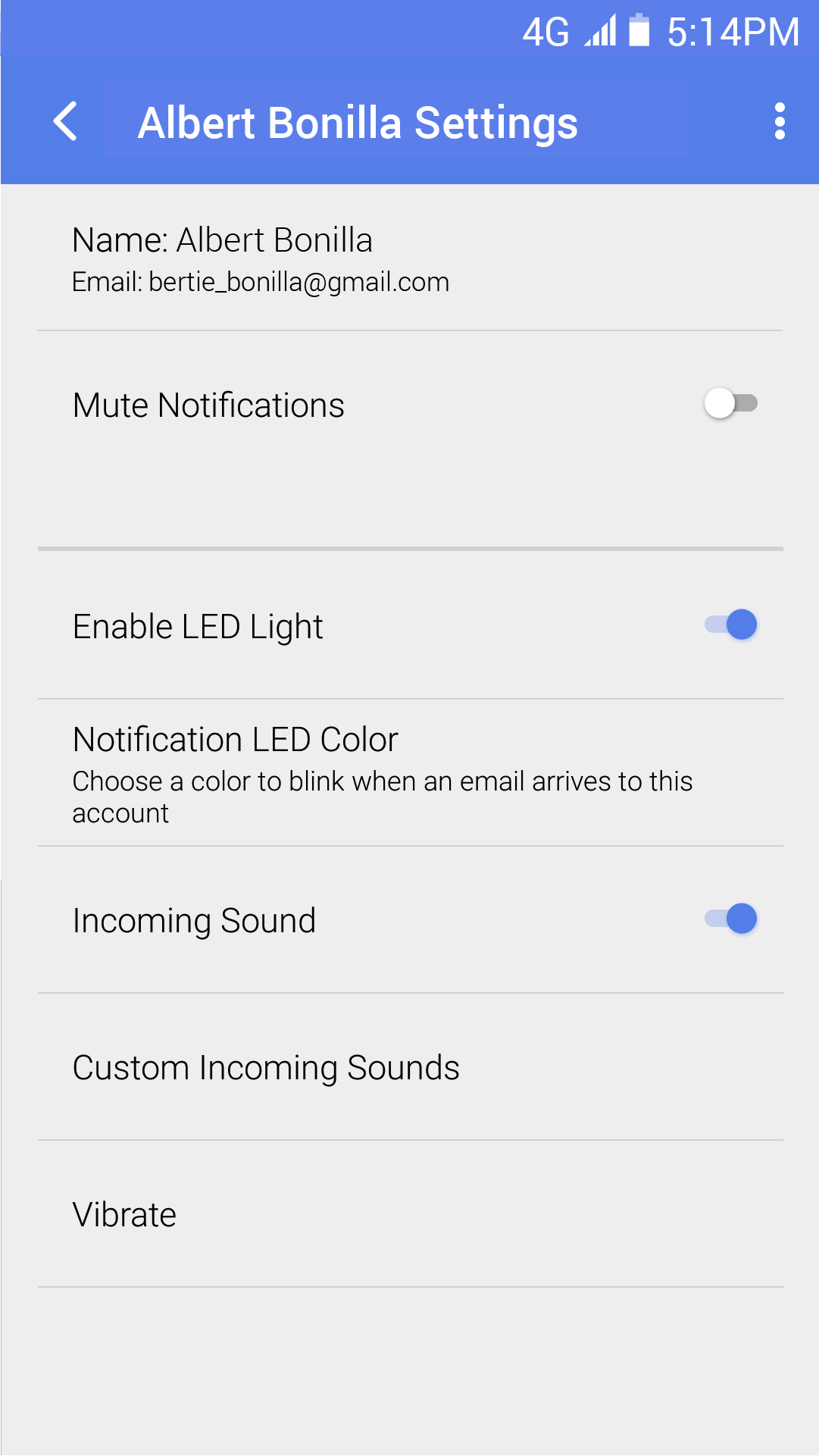
- Mute Notifications – Disable all notification settings for this contact.
- Enable LED Light – Disable / Enable LED light for notifications.
- Notification LED Color – Configure LED light color.
- Incoming Sound – Disable / Enable incoming sound.
- Custom Incoming Sound – If the sound is enabled, you can choose a custom sound from the list.
- Vibrate – Disable / Enable vibration.