To change the appearance of outgoing emails in TypeApp, please tap the gray rectangle with an arrow icon located just below and to the right of the Subject line.
You can tap the arrow icon again to hide this toolbar.
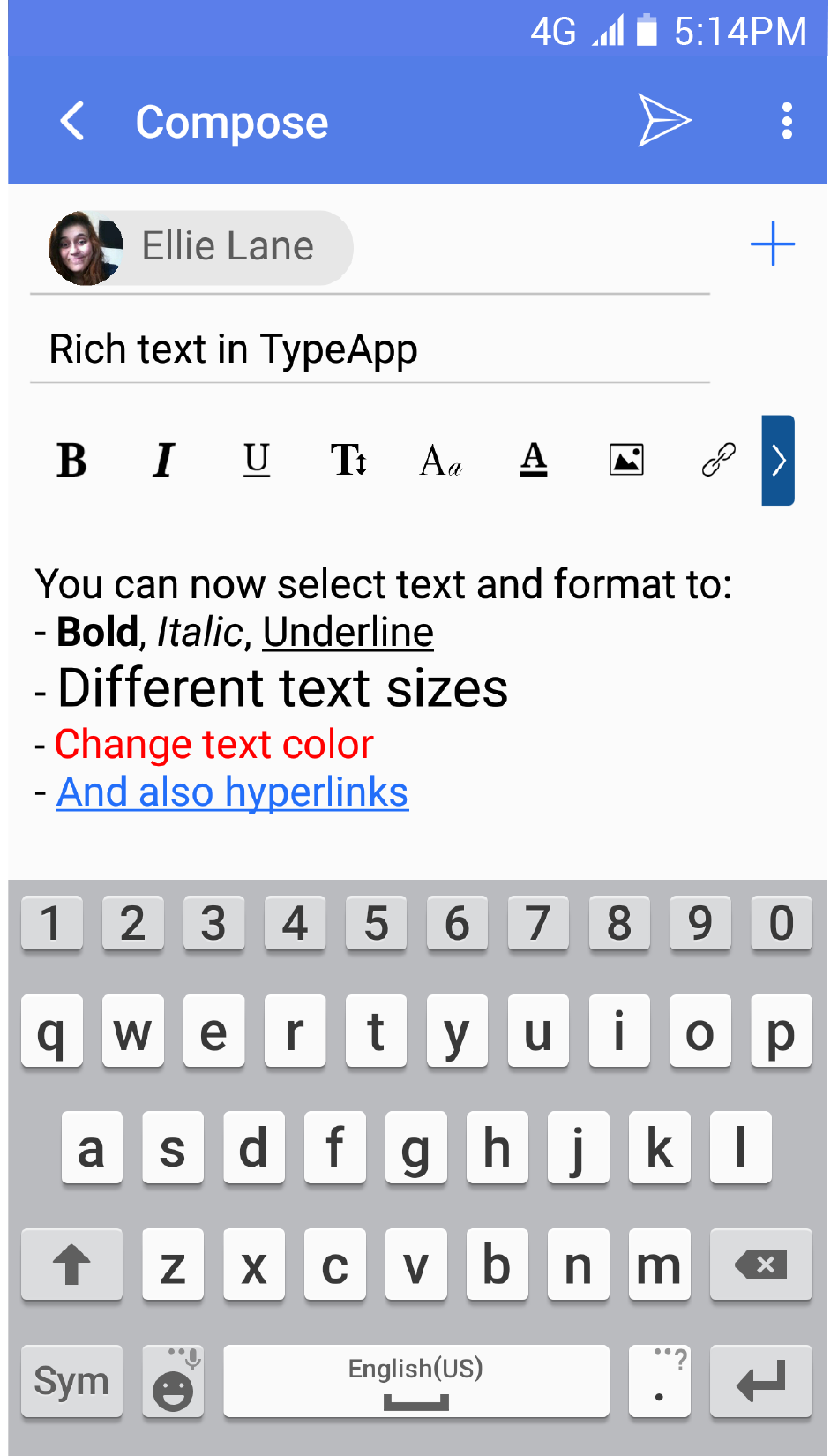
In addition to B I and U, the additional icons perform the following functions from left to right.
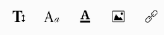
Increase Text Size, Change Fonts, Change Text Color, Insert Image, and Add Hyperlink